
#1001
Dine in · T-07
04:00
elapsed
1×Chicken KarahiHalf
4×Garlic Naan
1×Raita
On time
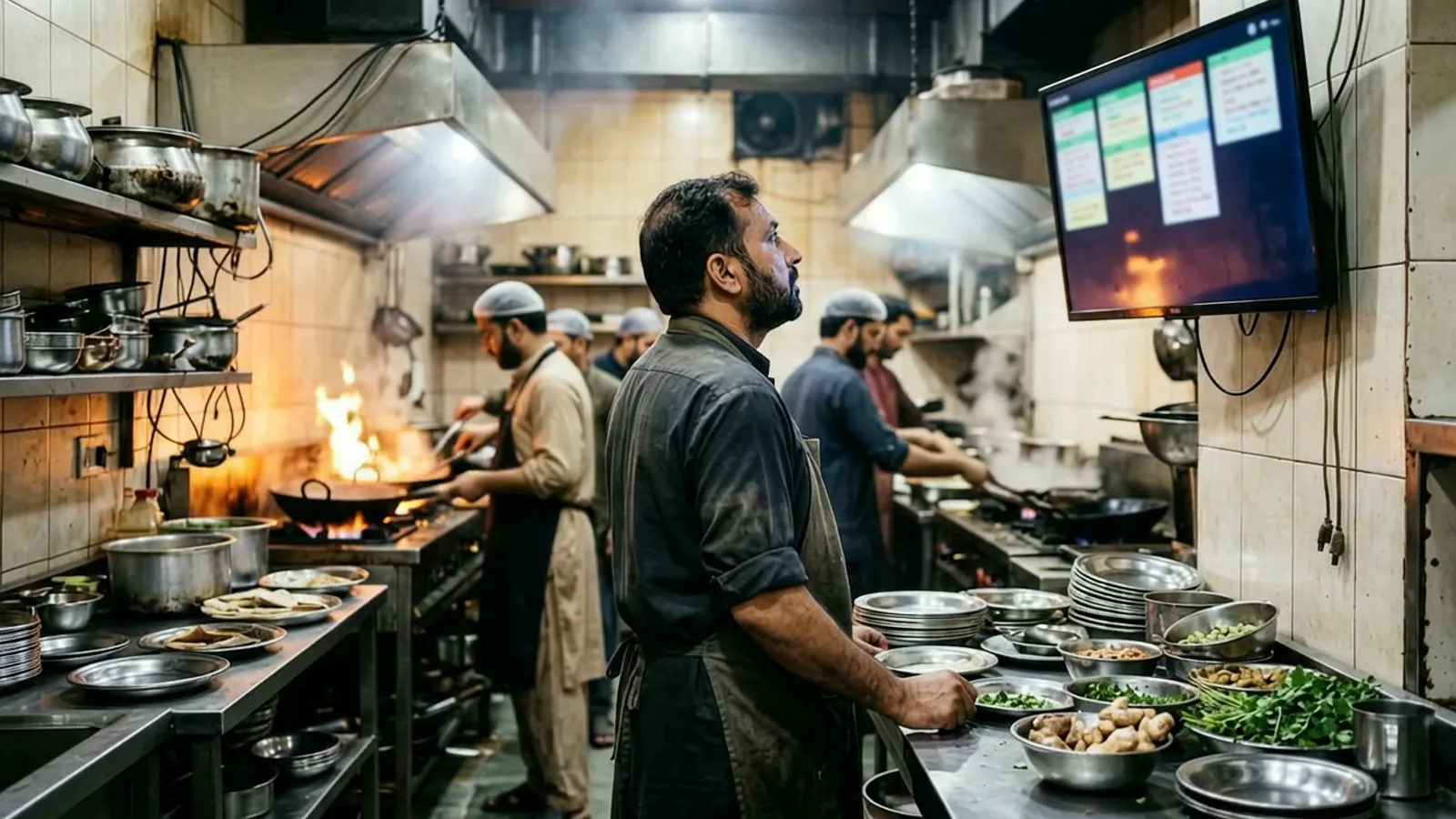
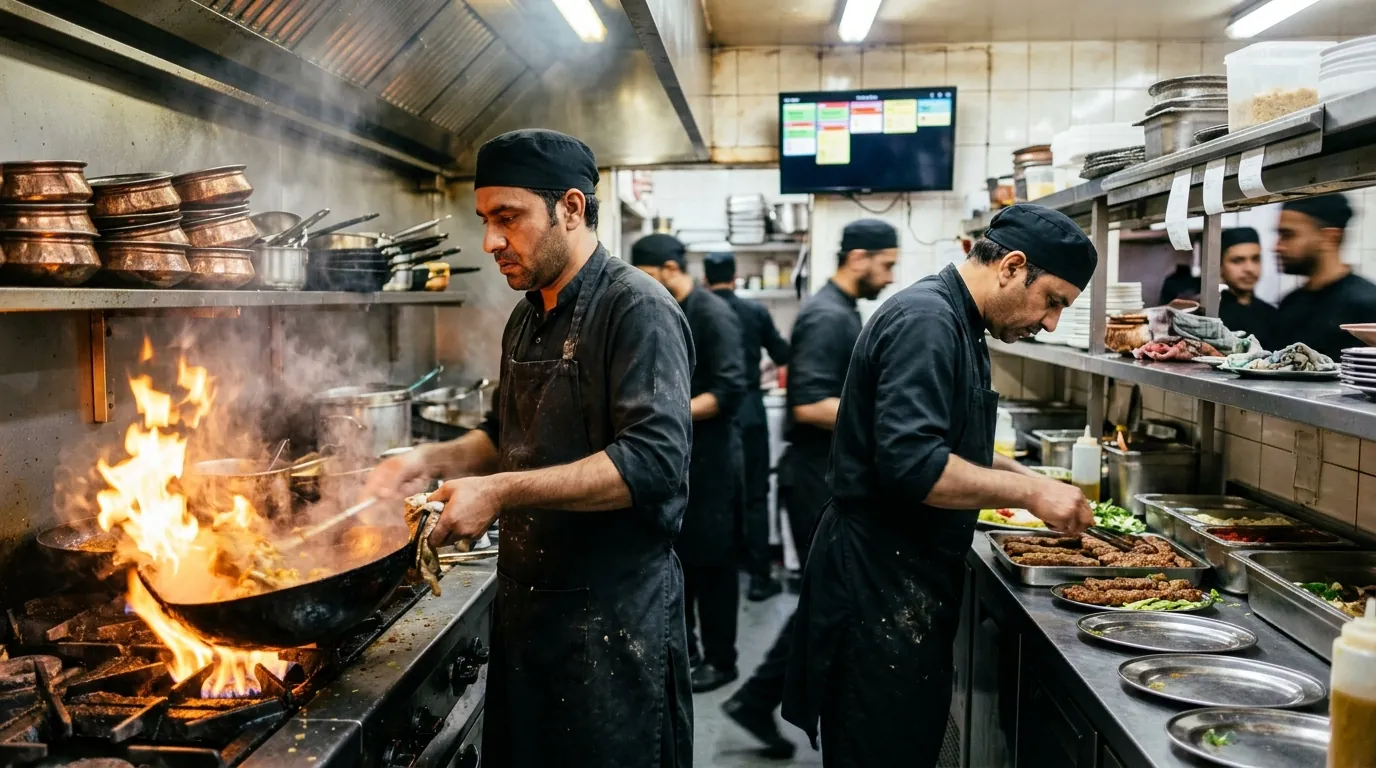
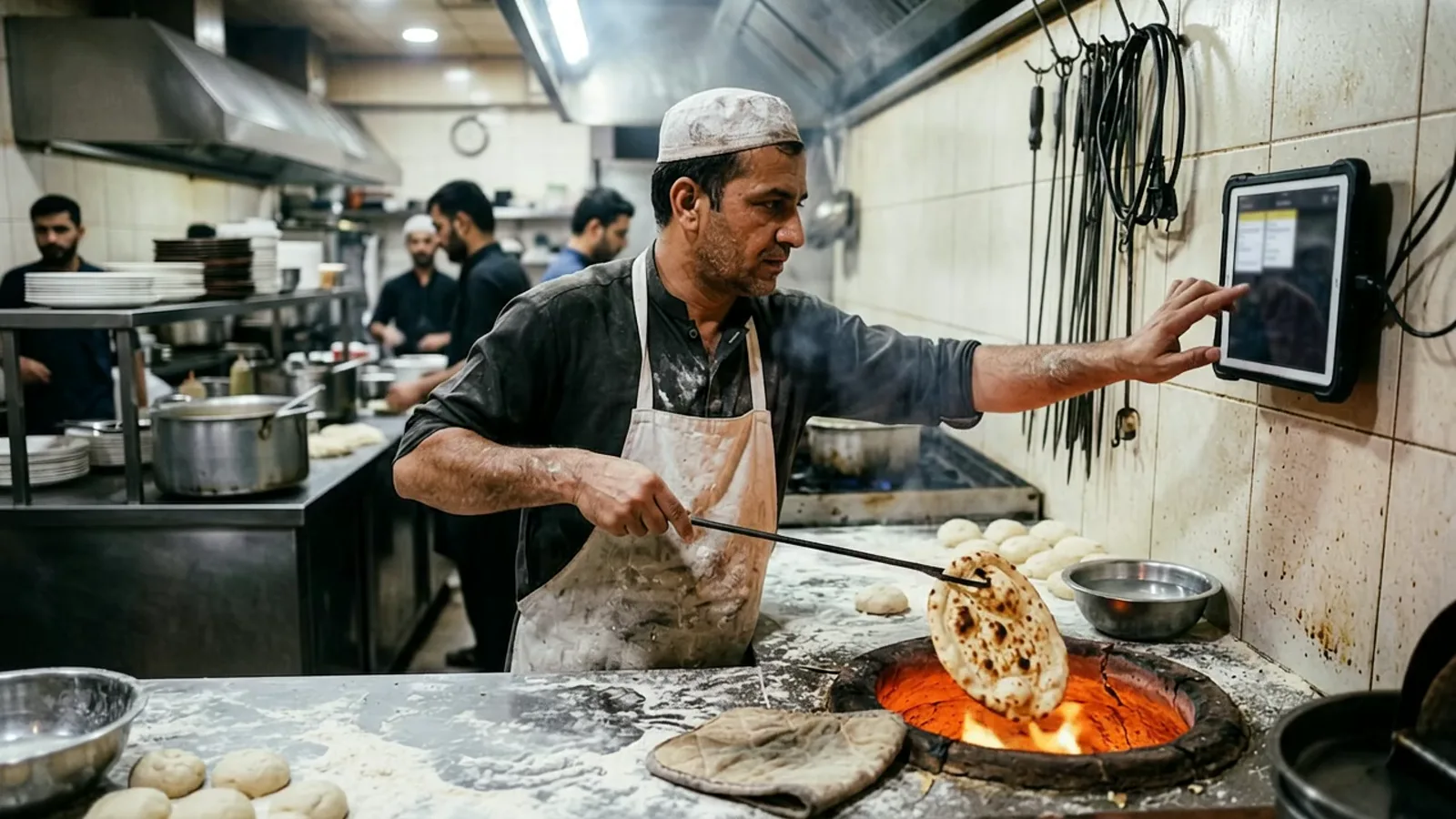
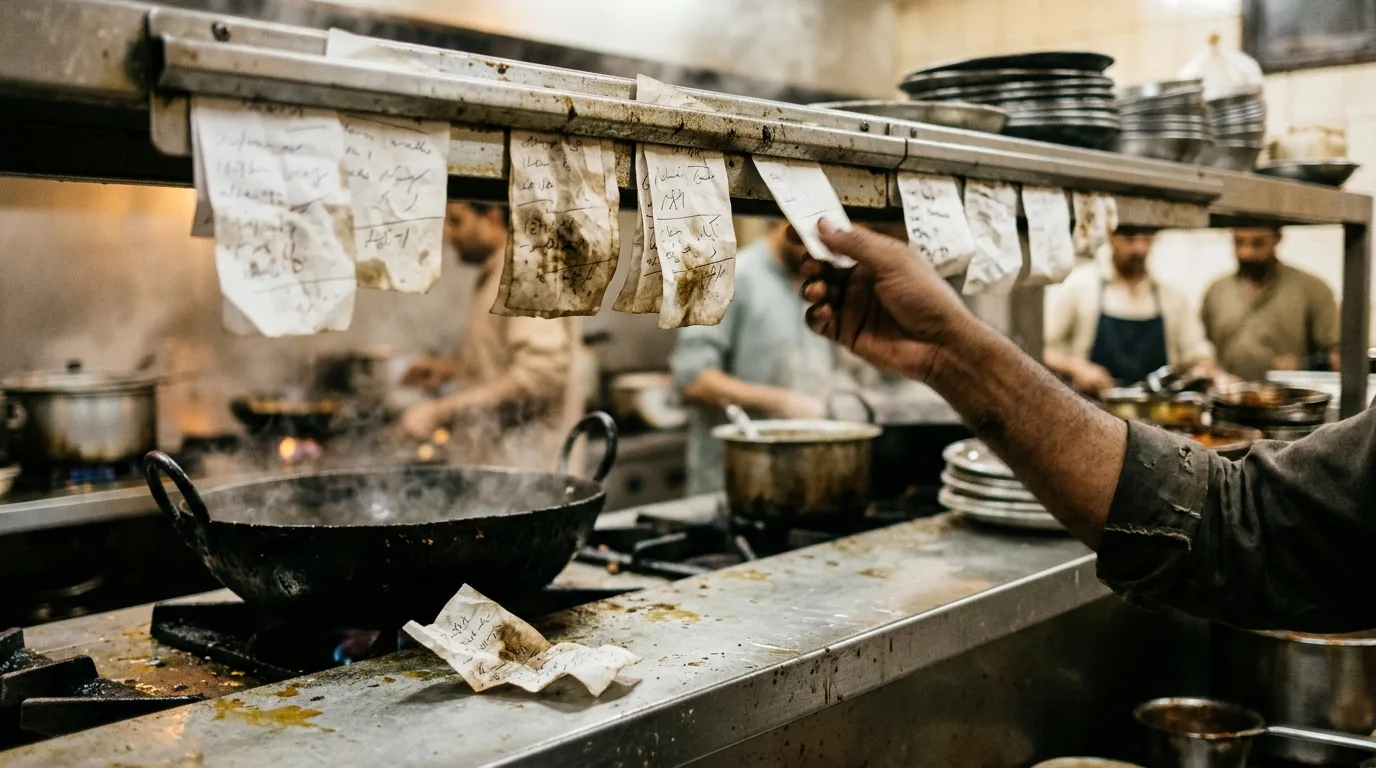
Every order from the till lands on the kitchen screen the moment it is sent, with a timer that turns red before your guest gets angry. No more lost or greasy KOT slips.
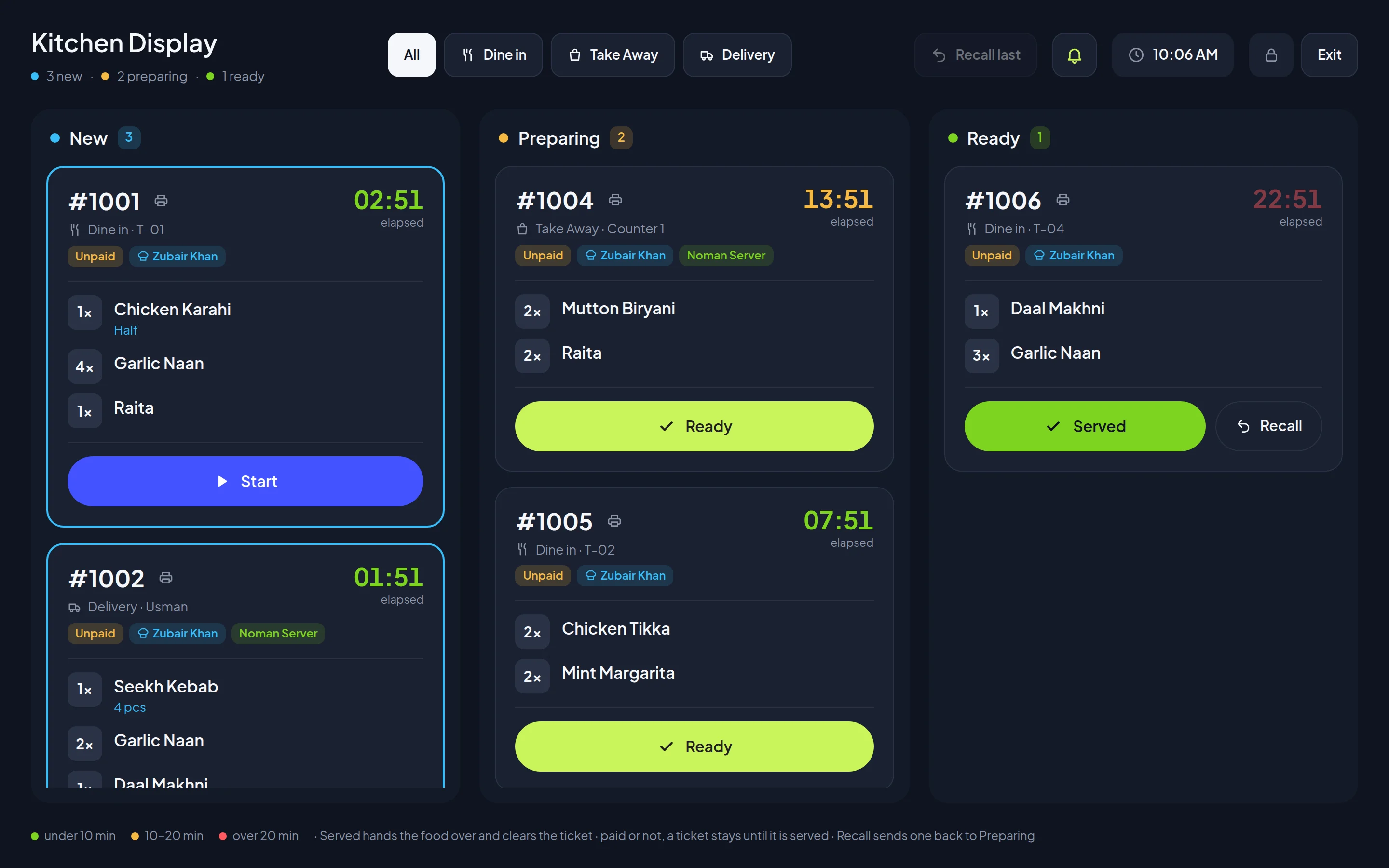
The real Morslo kitchen screen
This is the actual screen, not a mock-up. Tap the dots to see what each part does.
Parchi vs screen
How it works
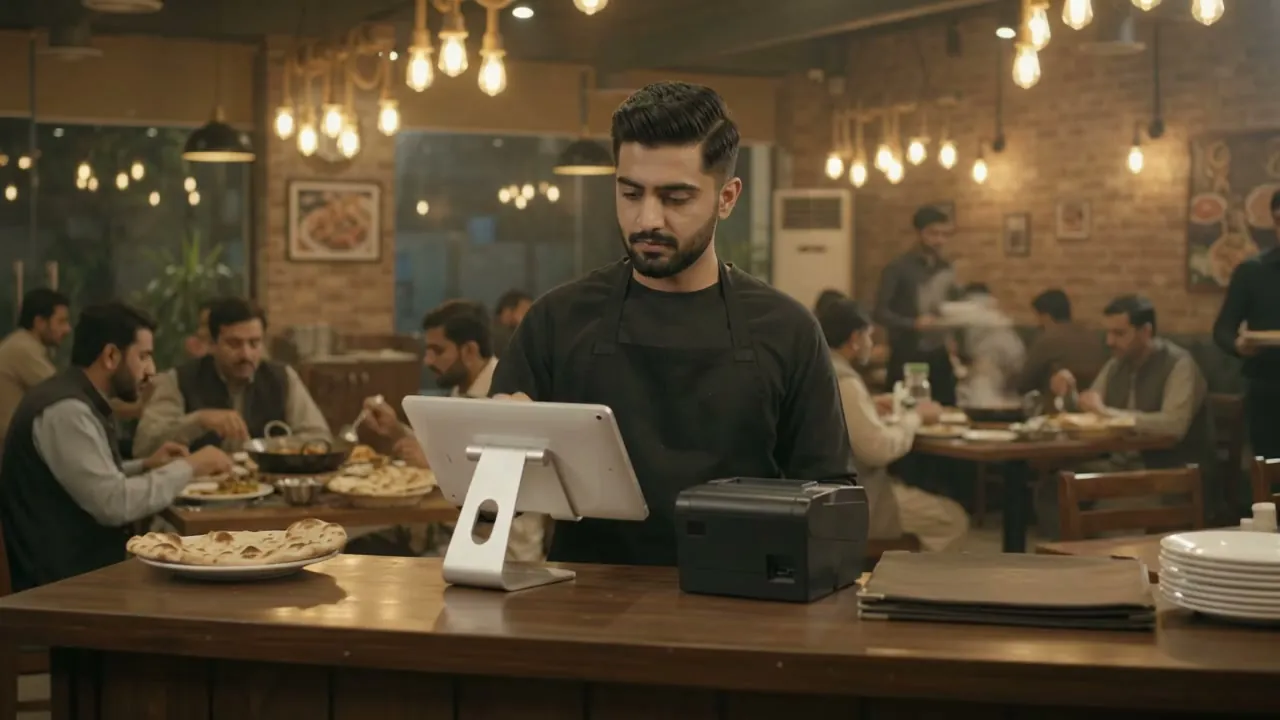
The cashier or waiter adds the items. One tap sends the order to the kitchen.
The ticket appears under New with a chime, and its timer starts counting.
Start moves the ticket to Preparing; Ready moves it to the Ready column.
Waiters see what is ready at the pass. Served hands the food over and clears the ticket.
Try it
Drag the time forward. Every ticket on the kitchen screen does this on its own, so the late table is the one glowing red.
#1001
Dine in · T-07
04:00
elapsed
1×Chicken KarahiHalf
4×Garlic Naan
1×Raita
On time
Built for desi kitchens
Orders appear on the kitchen screen the moment they are sent. No refreshing.
Three columns the whole kitchen understands at a glance.
Green under 10 minutes, amber up to 20, red after that.
Filter the board, and see the table, counter or customer on every ticket.
Hear new tickets over the noise of the kitchen. Mute when you want.
Bring the last ticket back to Preparing if it went out by mistake.
Paid or not, a ticket stays on the screen until the food is handed over.
Runs in the browser on a tablet, a TV with a mini PC, or a PC. On phones the columns swipe.
Kitchen display FAQ
A KOT (kitchen order ticket) is the slip the kitchen cooks from. A kitchen display shows the same orders on a screen instead: they cannot get lost, each one has a timer, and the waiter can see when food is ready.
Any tablet, TV with a mini PC, or computer that runs a modern browser. Many restaurants mount a tablet at each station or a TV above the pass. On a phone the three columns swipe sideways.
Yes. Morslo still prints KOT slips on a kitchen printer, so you can run paper and screen side by side while the team gets used to it.
The till keeps billing offline. The kitchen screen needs a connection to receive new orders, so keep a KOT printer as a backup; the screen catches up as soon as the line is back.
Orders from your own Morslo online ordering page reach the kitchen as soon as the till accepts them, with the same timer and columns as any other order.
There are only three buttons on a ticket: Start, Ready and Served. Most kitchens are comfortable on the first busy night.
The kitchen display comes with the Growth and Chains plans, and extra screens are an add-on. See the pricing page or book a demo for a quote for your kitchen.
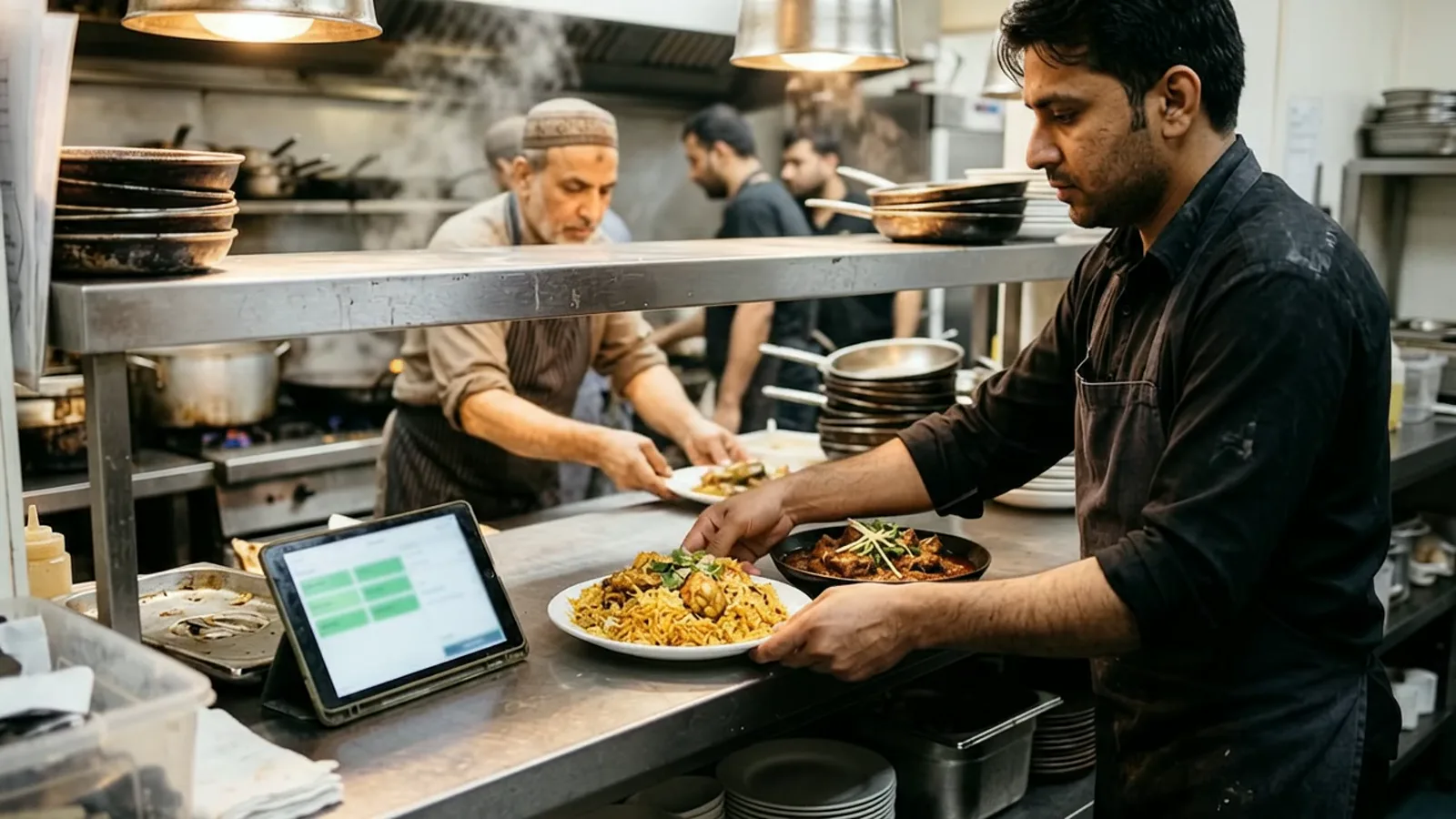
Free 20–30 minute demo at your restaurant or on a video call.
Book a free demo →